
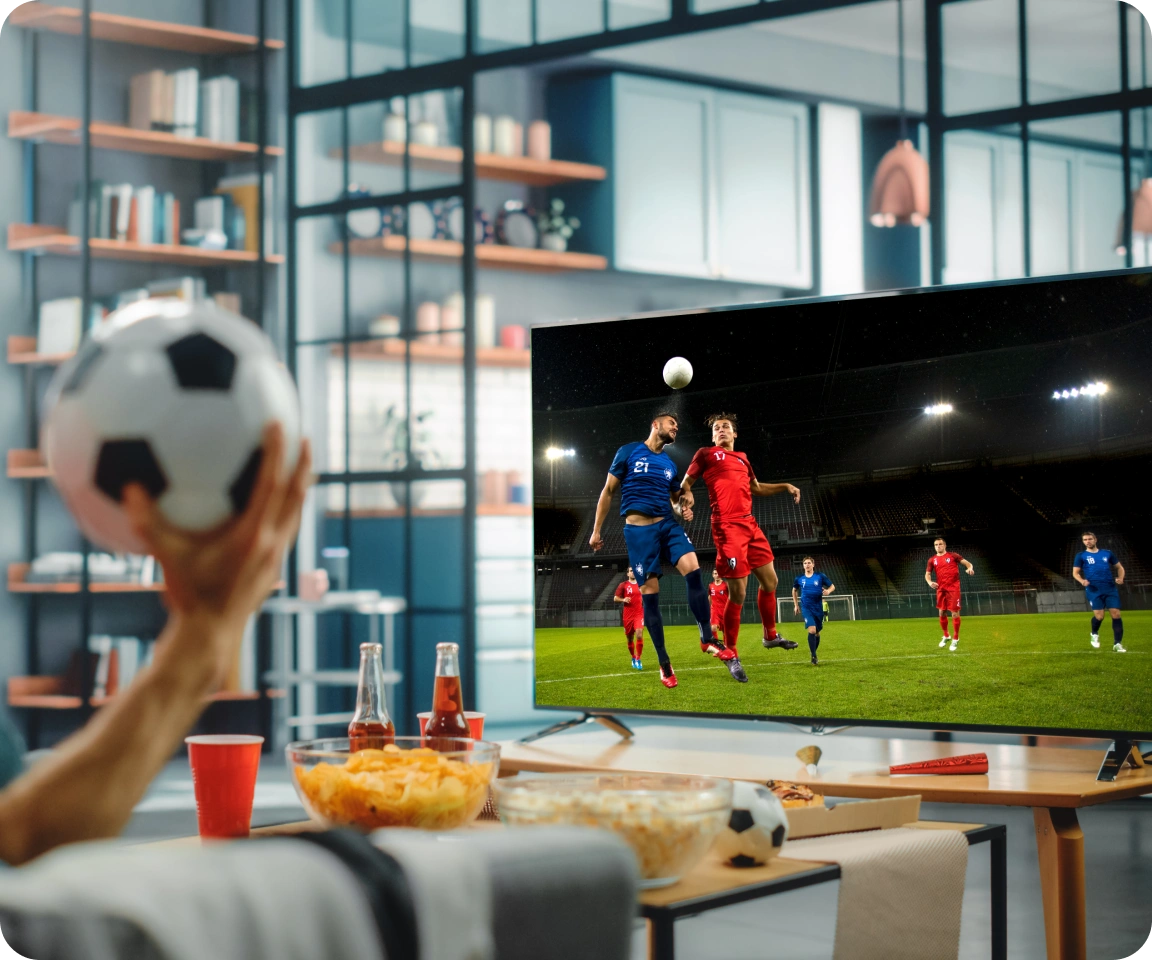
When you watch a full match in HD, internet speed is not just about picture sharpness; it decides whether you see every pressing trigger, rotation, and shot build-up without gaps. If your connection is too weak, the stream drops resolution or buffers at exactly the moments you most need continuity to read chance quality and tactical shifts. Setting a realistic minimum internet speed for HD football is therefore about protecting the flow of information you get from each match, not just avoiding an annoying loading icon.
Why “Minimum Speed” Matters for Tactical Understanding
A stream that barely meets the threshold for HD might technically show a 720p or 1080p label, but any small fluctuation can cause buffering or sudden quality drops. Each interruption breaks the visual chain from build-up to final action, making it harder to see how a team manipulates space or creates repeated routes into the box. For tactical analysis, you need enough headroom above the bare minimum that your stream can absorb small dips in bandwidth without collapsing mid-attack.
When the connection is properly sized for HD, you get a continuous view of team shape, off-ball runs, and defensive shifts, which are crucial for understanding whether a side’s chance profile over the match truly matches the final score. This continuity lets you connect what you see to xG-style thinking: repeated high-quality chances versus speculative efforts from poor locations, and how sustainable those patterns look across several games.
What Counts as HD for Live Football Streams?
HD football viewing usually means 720p (HD) or 1080p (Full HD), both of which offer enough clarity to read spacing, runs, and basic body orientation if the stream remains stable. Streaming providers and technical guides generally group these resolutions together as the range where matches become properly watchable on TVs, laptops, or tablets without feeling blurry. 4K goes beyond this into ultra-high detail, but the minimum requirement discussion for most viewers centres on the 720p–1080p band.
For live sports, frame rate matters too, because football relies on fast motion and quick transitions. Many services aim for 50 or 60 frames per second, which increases the bitrate needed at the same resolution to keep motion smooth and avoid ghosting or blur. When planning your minimum speed, you must assume that football streams sit at the upper end of HD requirements, not at the low end used for static content like talk shows.
The True Minimum Download Speed for HD Football
Technical resources that break down bandwidth by resolution and codec give a consistent picture: to stream HD (720p–1080p), you need around 3–8 Mbps for the video itself, with sports nearer the top of that range. Many consumer-facing guides translate this into simple rules of thumb, recommending at least 5 Mbps for general HD and higher if multiple devices share the line or if you want more resilience.
For live HD football specifically:
- 720p HD streams commonly require around 3–5 Mbps, with some live platforms recommending roughly 3–6 Mbps depending on codec and frame rate.
- 1080p Full HD streams generally need about 5–8 Mbps for a single device, again with sports often at the higher end due to motion and higher bitrates.
These numbers describe the video alone. To avoid buffering during high-traffic moments in your household or network congestion, it is sensible to add a buffer—many guides suggest aiming above the bare minimum (for example, 10 Mbps or more for a single HD stream) so minor fluctuations do not immediately cause stalls.
How Speed Requirements Change Across HD and 4K
You can think of HD ดูบอลสดฟรี changy speeds as one point on a wider ladder of video requirements. Viewing this in table form helps you see how much extra bandwidth each step up in resolution demands and why overcommitting to 4K on a weak line can actually damage your ability to follow the match smoothly.
| Resolution / Quality | Typical Minimum Download for Streaming* | Typical Recommended Range for Live Sports* | Notes for Football Viewing |
| SD 480p | 3–4 Mbps | 3–5 Mbps | Basic clarity; structure visible but limited fine detail. |
| HD 720p | 3–5 Mbps | 5–7 Mbps | Entry-level HD; enough for shape on smaller screens. |
| Full HD 1080p | 5–8 Mbps | 8–12 Mbps | Strong balance of clarity and bandwidth for tactics. |
| 4K UHD | 15–25 Mbps | 25+ Mbps | Superb detail but unforgiving on weaker connections. |
*Values summarised from multiple guides; platforms may vary slightly.
For most fans who want reliable tactical viewing, Full HD at a well-supported speed gives the best trade-off: sharp enough for detail, but not so heavy that any small drop in bandwidth wrecks your stream. The minimum question, then, is less “can I hit 5 Mbps once?” and more “can I sustain something like 8–10 Mbps throughout the match without frequent dips?”.
Why HD Speed Matters for Seeing xG in Real Time
Expected goals assign each shot a probability of becoming a goal based on factors such as shooting distance, angle, defensive pressure, and assist type. To learn to “see” xG during a match rather than only afterwards in a graphic, you need a picture that reliably shows:
- How many defenders are between the shooter and the goal.
- Whether the chance comes from a cutback, through ball, or hopeful cross.
- The exact location and angle of the shot relative to the frame.
All of these details become clearer and more consistent at HD resolutions compared to SD, especially when the camera is wider and more players appear in frame. If your line is too slow and the platform keeps dropping from HD to lower quality, these contextual cues blur or disappear. A stable HD speed, therefore, directly supports your ability to estimate chance quality, think in xG terms, and recognise whether a team’s attack is built on repeatable high-value chances or scattered long shots.
Watching Live in HD During ดูบอลสด Sessions
When you ดูบอลสด with a connection that comfortably supports HD, the value lies not only in sharper players but in the consistency of what you can observe from minute 1 to minute 90. You can follow how often a team gets into cutback zones, how regularly they win second balls around the box, and whether their pressing intensity drops after taking the lead. If the stream holds HD quality through these phases, your mental picture of their chance volume and shot quality matches much more closely with the xG summaries you might see afterwards. Over several matches, this reliable HD live viewing becomes the foundation for understanding which teams are genuinely strong in underlying numbers and which lean on streaky finishing or set-piece spikes that may not last.
When Minimum Speed Numbers Fail in Real Life
Even if your plan claims enough Mbps on paper, the real throughput available at your viewing device can be much lower due to shared usage, Wi‑Fi interference, or network congestion. Multiple guides stress that headline speeds assume ideal conditions; streaming quality depends on what is left after other devices in your home and background tasks take their share. This is why some providers suggest plans of 25 Mbps or even 100 Mbps for households with several simultaneous HD or 4K streams, even though a single HD stream theoretically needs far less.
For football analysis, practical experience matters more than numbers on a bill. If you consistently see buffering or forced drops to SD during high-tempo phases of big matches, your “minimum” is effectively not being met in real-time conditions. In that case, you either need more headroom in your package, better internal network setup, or to limit competing traffic during kick-off windows so the stream can maintain HD quality for your match.
How to Check If Your Line Is Really HD-Ready Before Kick-Off
Rather than discovering mid-match that your connection is too weak, you can run a simple pre-game check to see whether your line can hold HD for football. This is less about formal testing tools and more about recreating the conditions you will face during the match itself.
A useful sequence is:
- Run a speed test on the exact device and connection you will use, aiming for at least 5 Mbps for 720p HD and 8–10 Mbps or more for 1080p to allow for fluctuations.
- Start an HD stream from the same provider 10–15 minutes before kick-off and watch whether quality remains stable when others in your home are online.
- If you see early buffering, reduce competing traffic (downloads, other streams) or, if possible, switch from Wi‑Fi to wired or from a congested band to a clearer one.
By treating this like a pre-match warm-up for your connection, you minimise surprises during crucial phases of the game. That preparation helps ensure that when you sit down to read pressing, build-up, and shot patterns, the stream can keep pace with the intensity and speed of the match without dropping below HD.
Summary
For most viewers, the minimum internet speed to watch football in HD sits around 3–5 Mbps for 720p and 5–8 Mbps for 1080p, with live sports at the upper end of these ranges. In practice, aiming for at least 8–10 Mbps of stable download speed per HD football stream gives enough headroom to avoid buffering when the network is busy. When your line can genuinely support HD throughout the full 90 minutes, your live view of spacing, runs, and shot context aligns much more closely with xG-style metrics, making every match you watch a more reliable guide to how teams are truly performing over time.